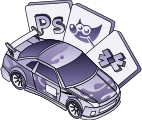
1. Download & PaintOpen a PSD template in your favorite image-editing software (Photoshop, GIMP, Photopea) to create custom cars. Or, if you're a Trading Paints Pro member, design cars directly in your browser with Paint Builder. Let your creativity race! 
2. Save the Paint FileWhen ready, save your paint as "car_<member_id>.tga" for Sim-Stamped Number or "car_num_<member_id>.tga" for Custom Number. Place the file in the corresponding vehicle directory in your Documents/iRacing/paint folder.
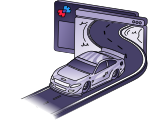
3. Preview in iRacing UIBring your creation to life in iRacing's 3D Car Viewer. In the iRacing UI, go to Cars under My Content, select your vehicle, and view your work in progress. The 3D view updates each time you re-save your paint file.
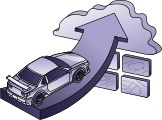
4. Upload to Trading PaintsWhen you're happy with your creation, upload your TGA file to My Paints (personal cars) or the Trading Paints Showroom (community showcase). Your new paint will appear in your next race for everyone to see!